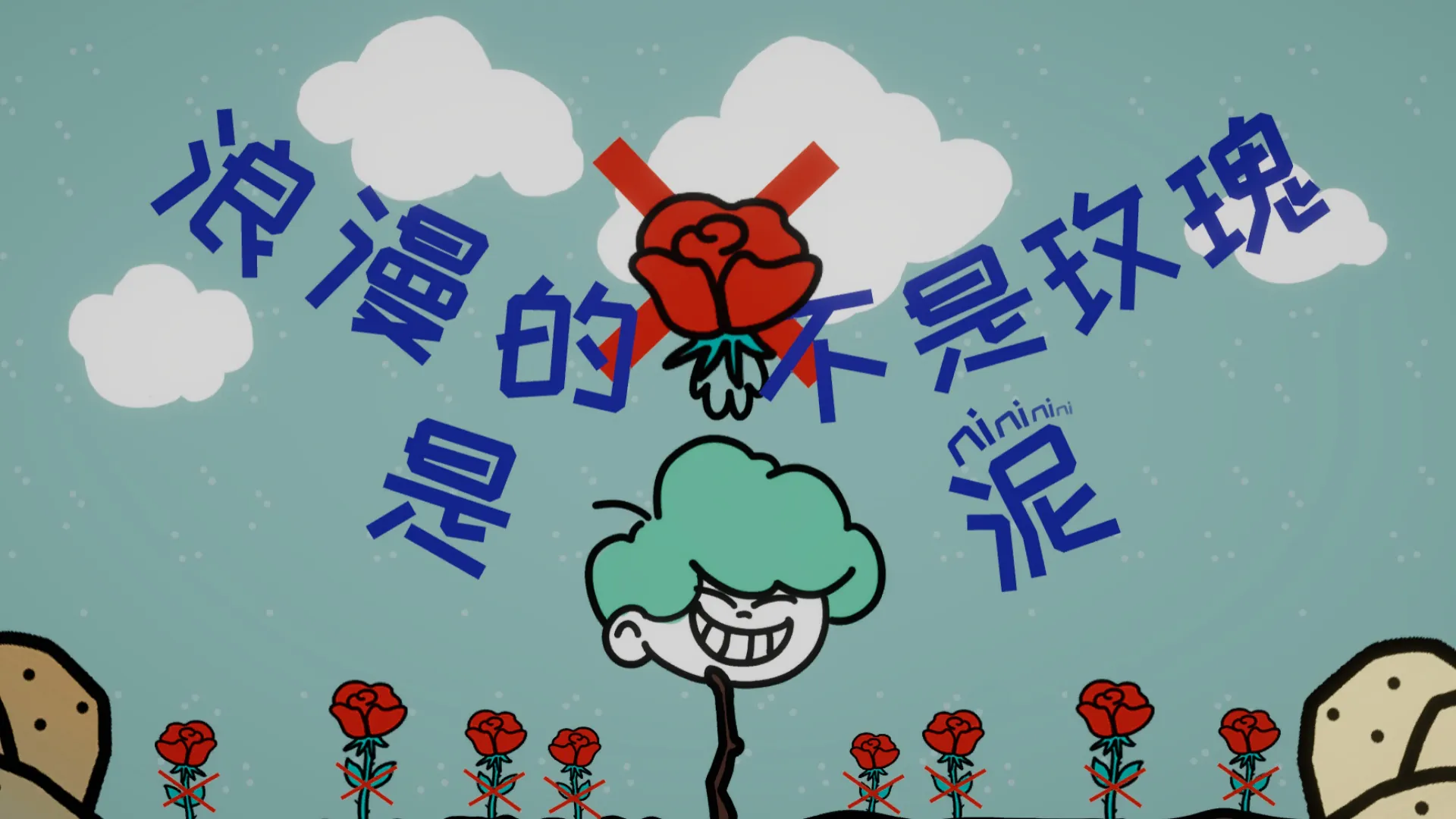
Background · Game Jam
The game was created during the 2024 Global Game Jam and was developed by the Unity engine. The theme of the Jam is “Make Me Laugh”.
Teamwork
This is a game designed and developed by a team. I was in a team of five members. After the team members and I completed the design of the core mechanics of the game, I was mainly responsible for the development of the game and the production of visual effects.
Brainstorm
After the topic was published, everyone in our group had a brainstorm. Here are our ideas.
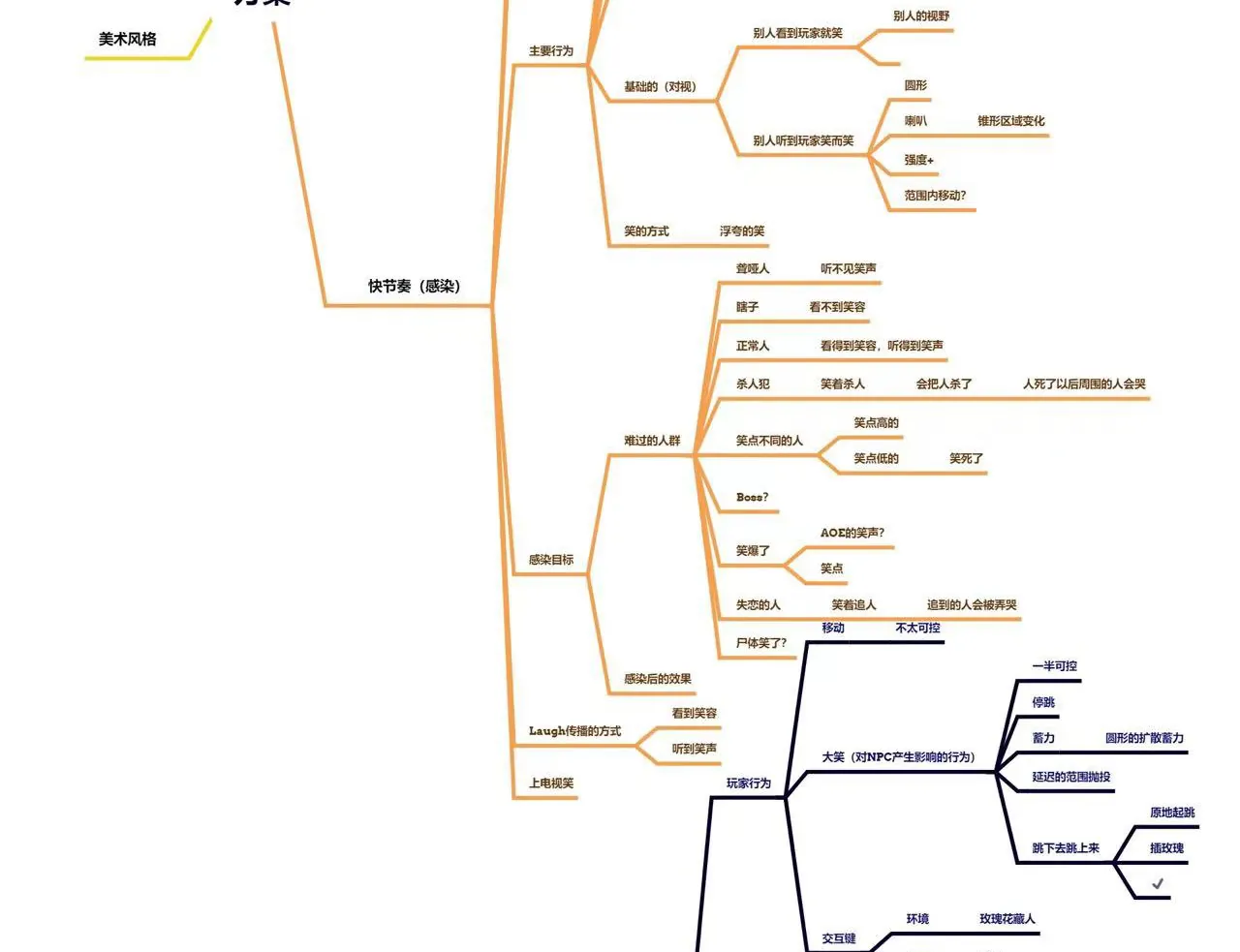
Read the diagram as text
Part of the team’s brainstorm mind map, written in Chinese: an orange branch on spreading laughter (who can be infected, how laughter spreads) and a dark-blue branch on player actions such as moving, charging a big laugh and planting roses.
Inspiration
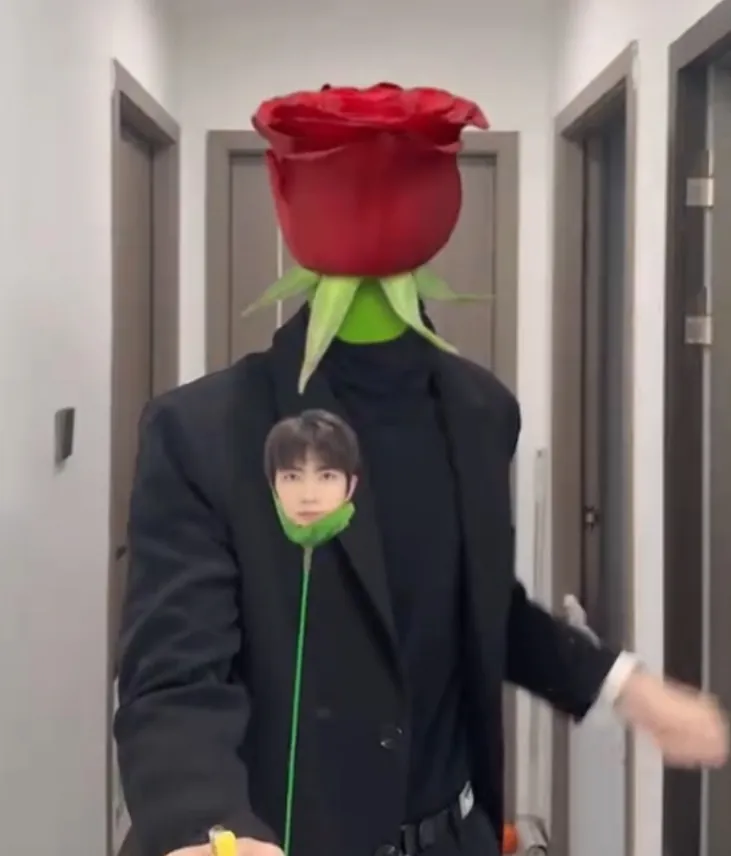
Our game was inspired by a funny video that was widely circulated on social media. A young man is trying to show his affection to the screen audience by handing them a bouquet of roses. But unexpectedly, his head became a rose, and the place where the rose originally stood became his head. We decided to design the game’s mechanics with “Laughter is infectious” at its core.
Background · Story
Sadness and unhappiness pervaded the village, and all the NPCs were very sad. As a magician with the ability to make people laugh, you need to make the villagers laugh, but there are also some special people in the village, if you make them laugh, they will do some bad things.
Core Mechanic
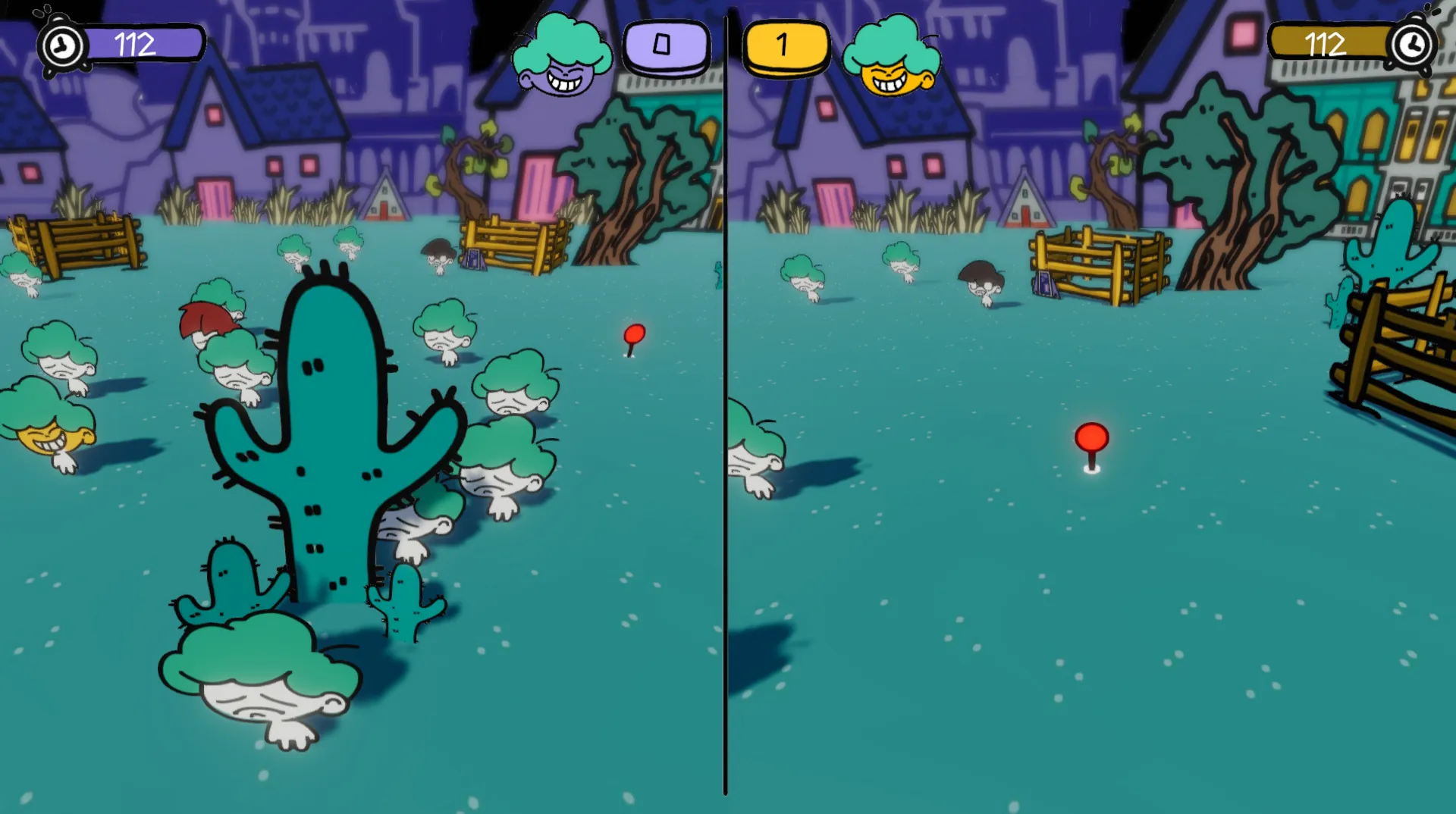
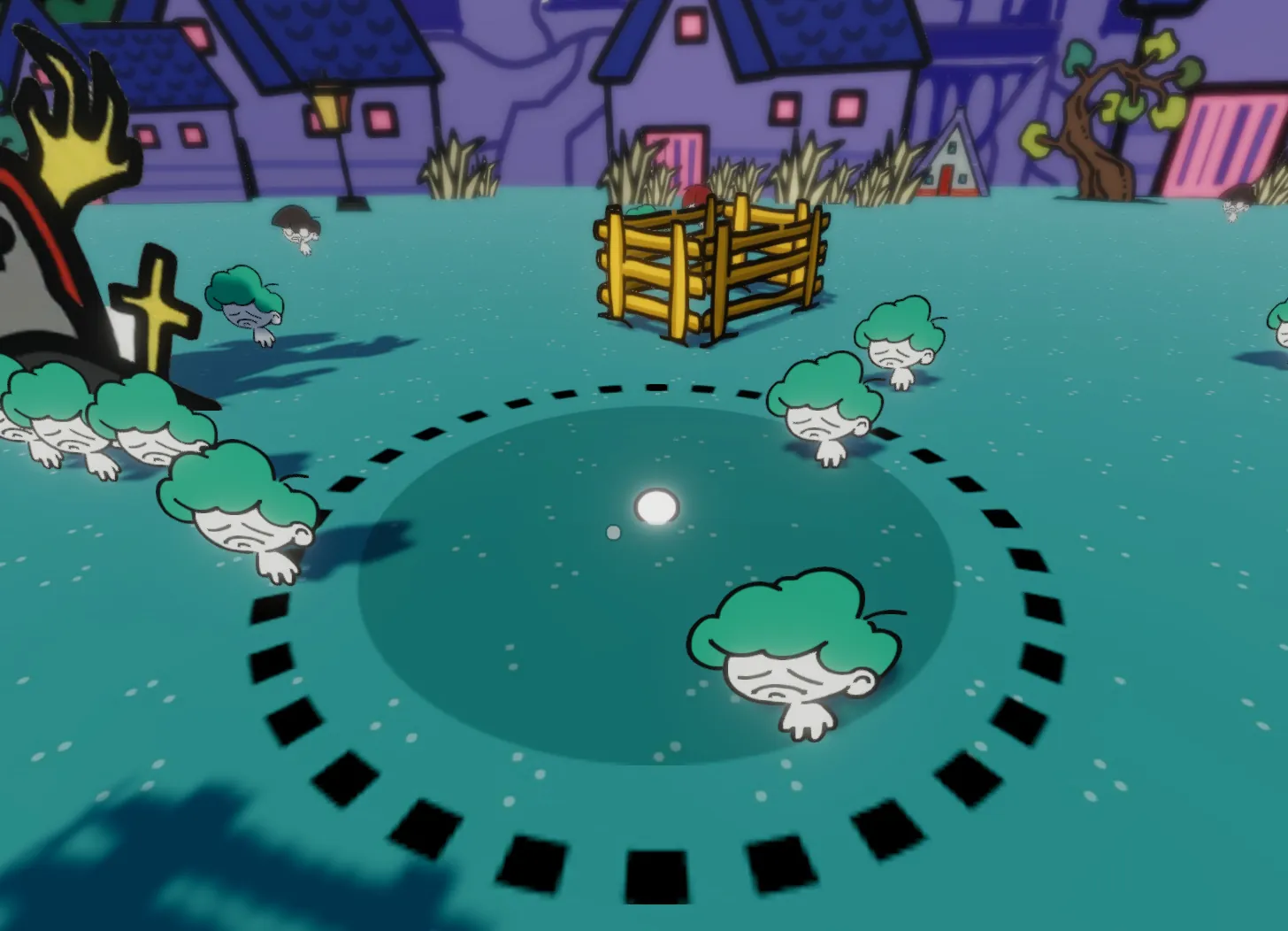
The player has two actions, one is to move, and the other is to perform funny tricks. The first action is very simple, the player needs to move to find a place where there are more villagers to perform.
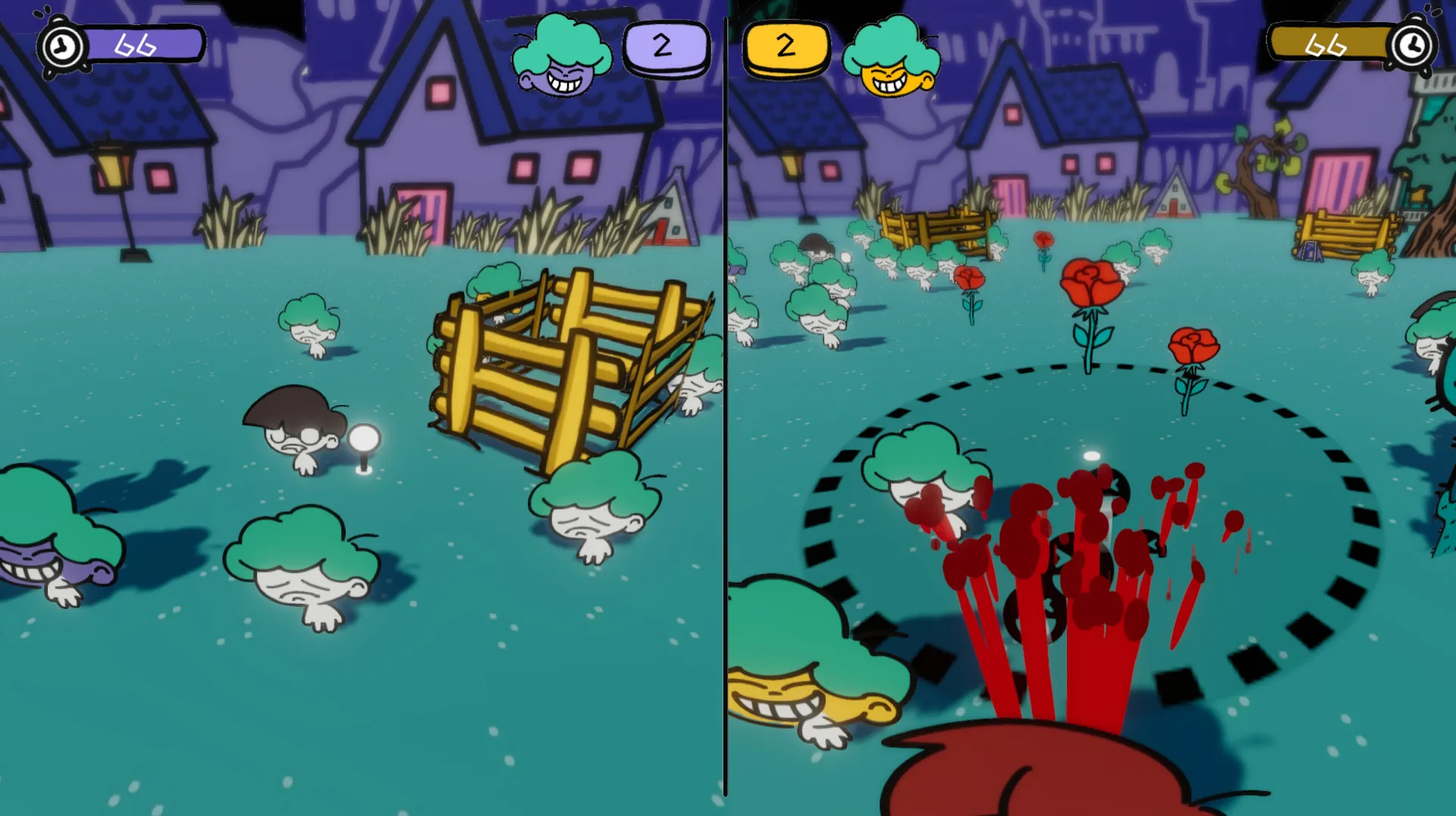
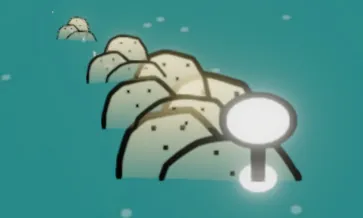
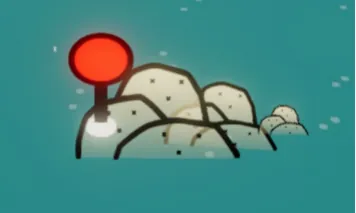
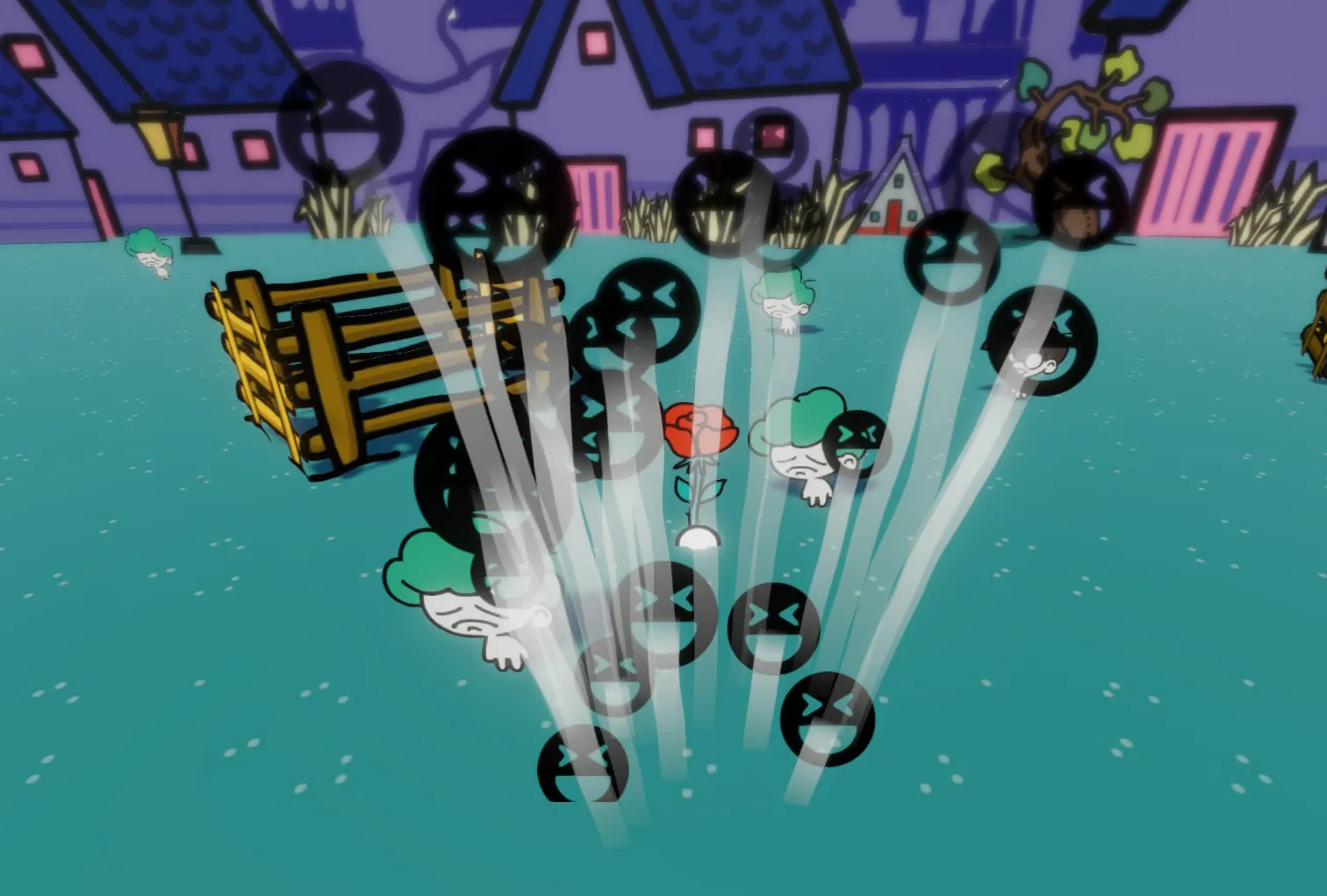
The second action has a cooling time, when the cooling is complete, the light will turn red. When the player performs, it accumulates power. The scope of the show will gradually increase, and the player needs to perform in the right scope, because there are some NPCs who will do bad things when they laugh.
Objective
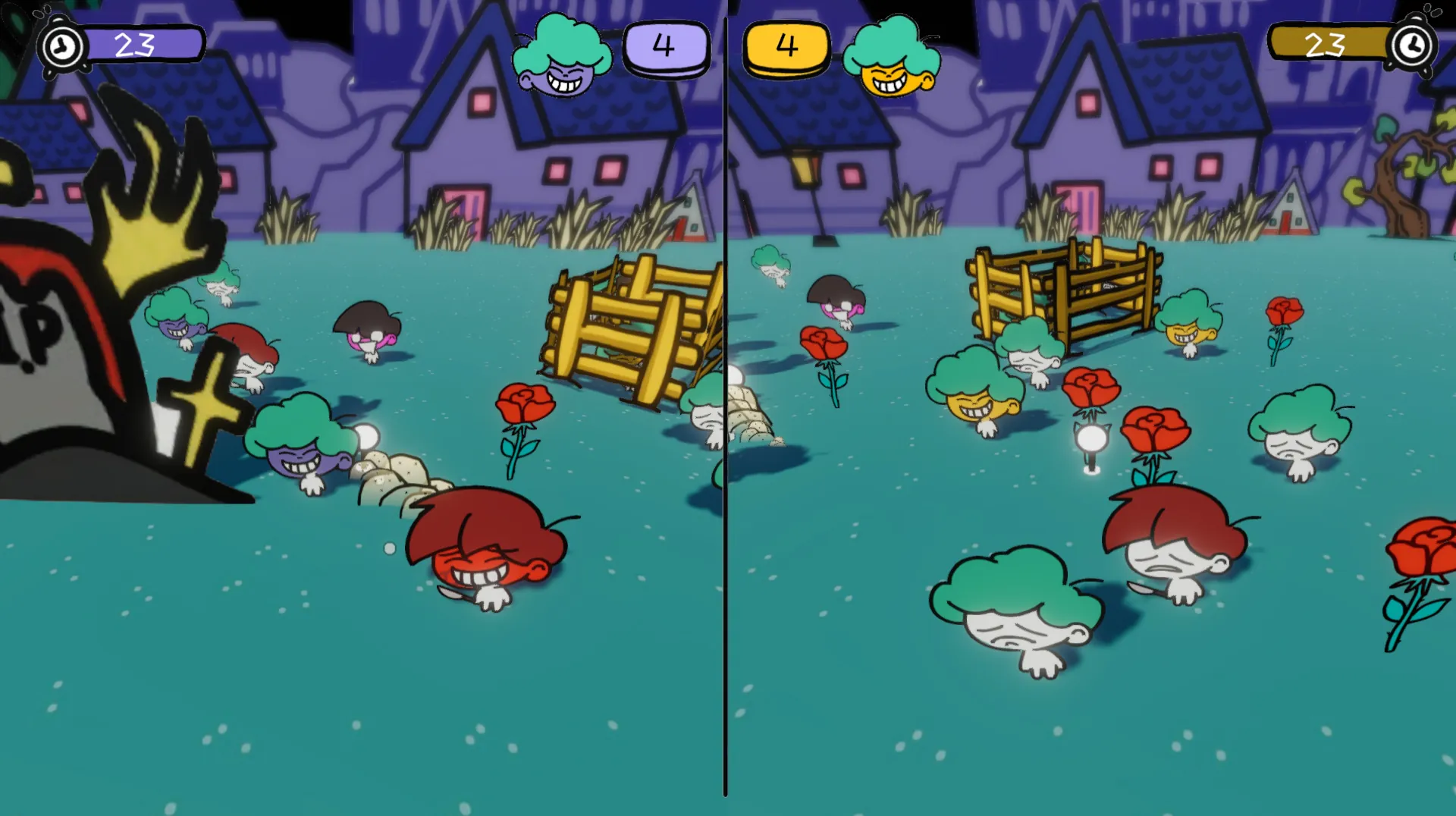
Players need to use their roses to make as many frustrated villagers laugh as possible. At the end of the countdown, whichever village has the most infected villagers wins.
NPC
Here are the three main NPCs we designed. They have different functions. They all affect the player’s experience.
Villager
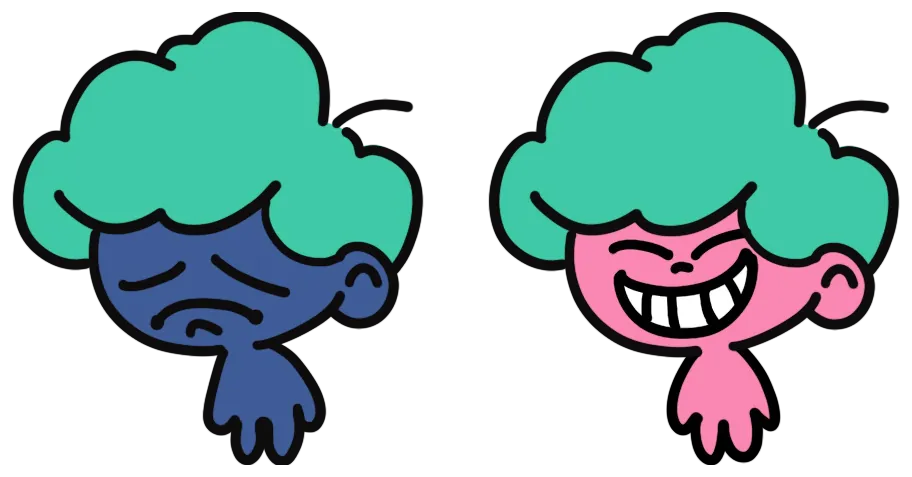
The most number of NPCs in the game. Players need to infect as many villagers as possible to win.
Killer
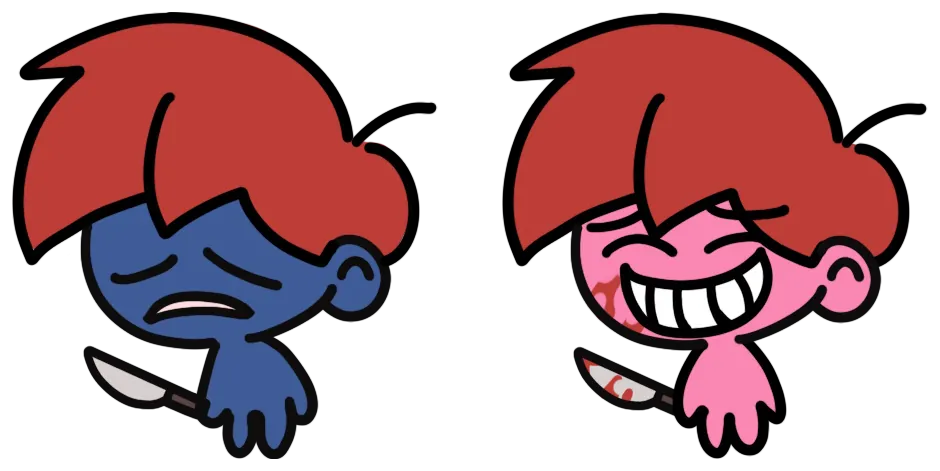
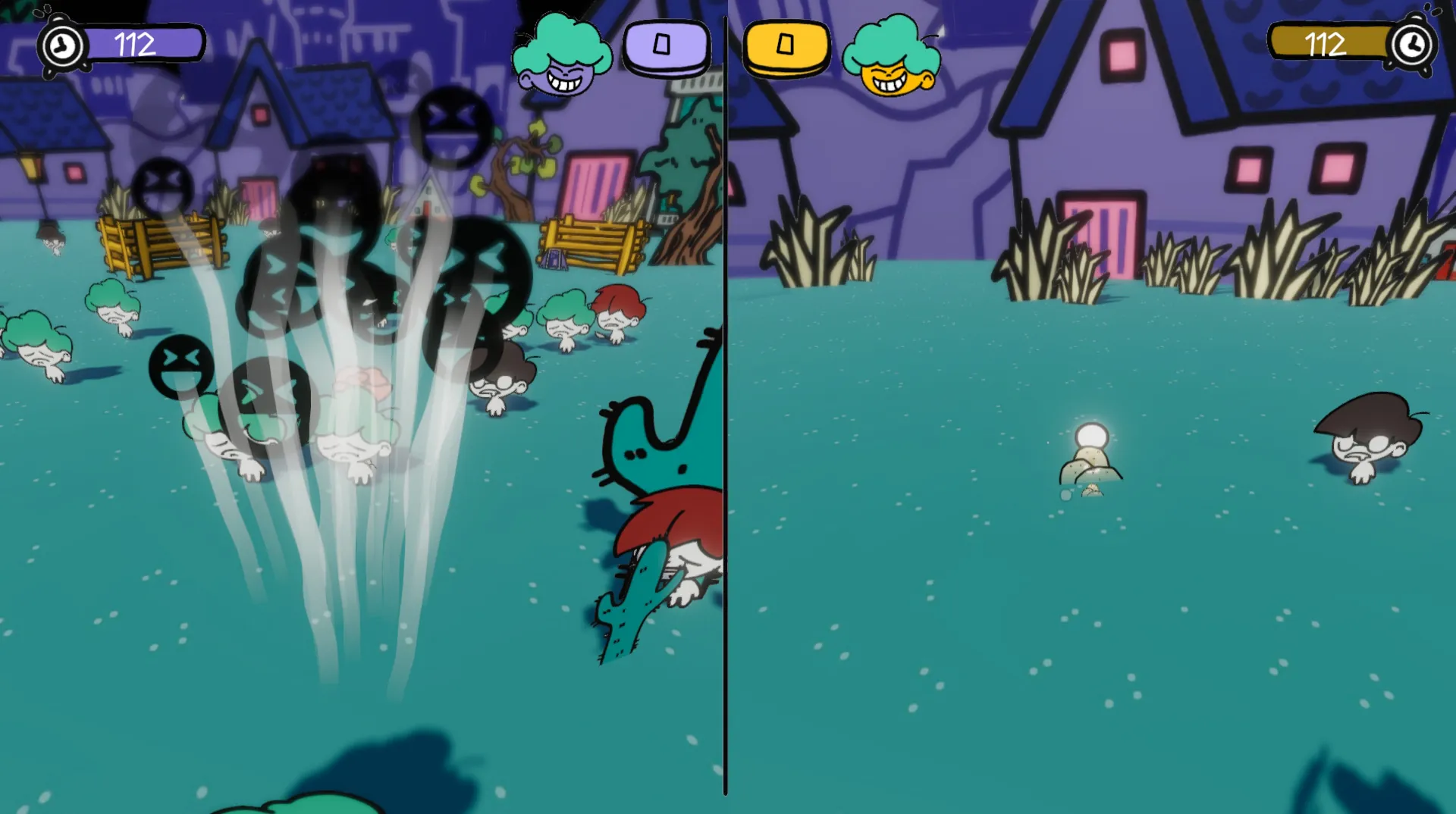
When infected by laughter, the killer will start looking for villagers to kill, and if any villagers are caught by the killer, they will be killed by the killer.
Hoodlum
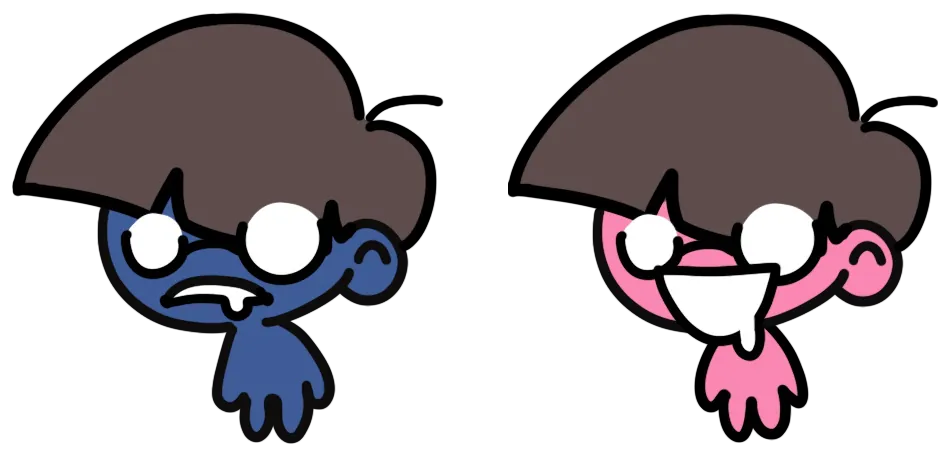
When infected by laughter, hooligans will begin to harass innocent villagers, and frightened villagers will flee from them.
Development
Input Manager
This is my first two-player game. In addition to keyboard input, I expect players to be able to play with a gamepad. So I started looking for solutions about multiple players controlling different gamepads.
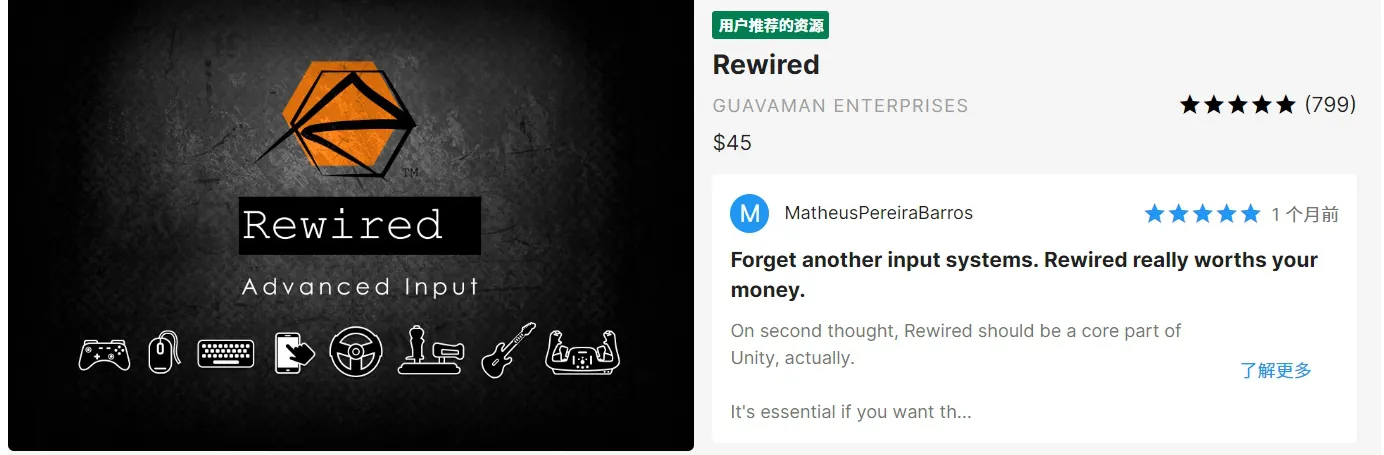
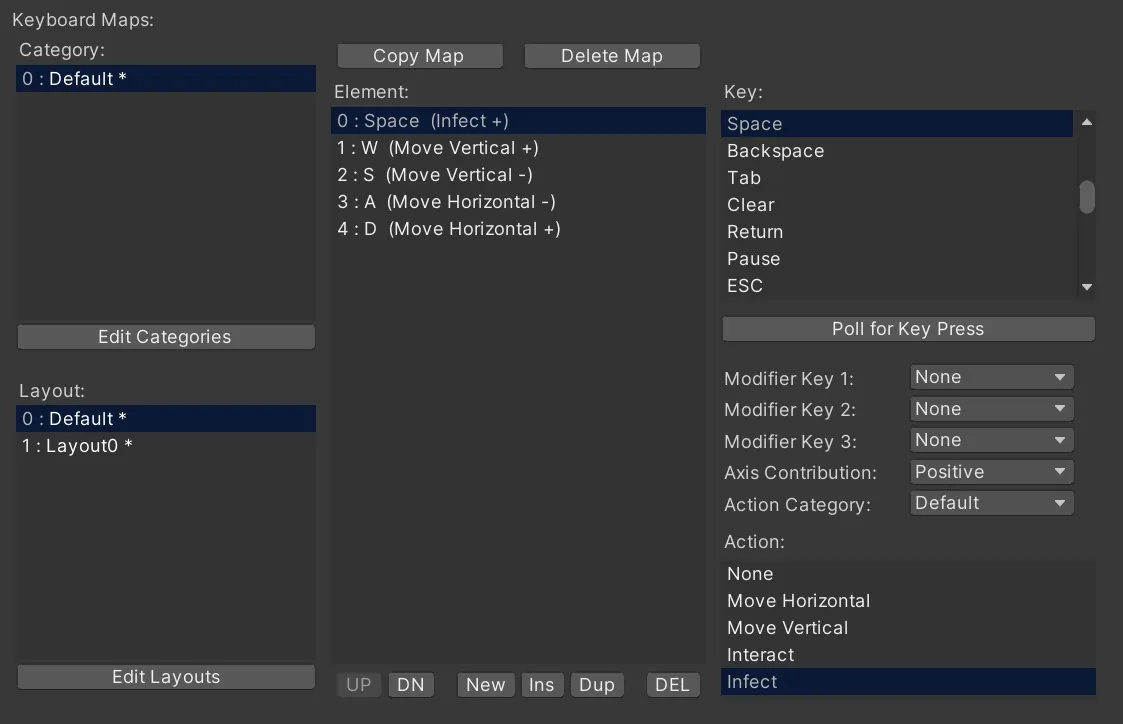
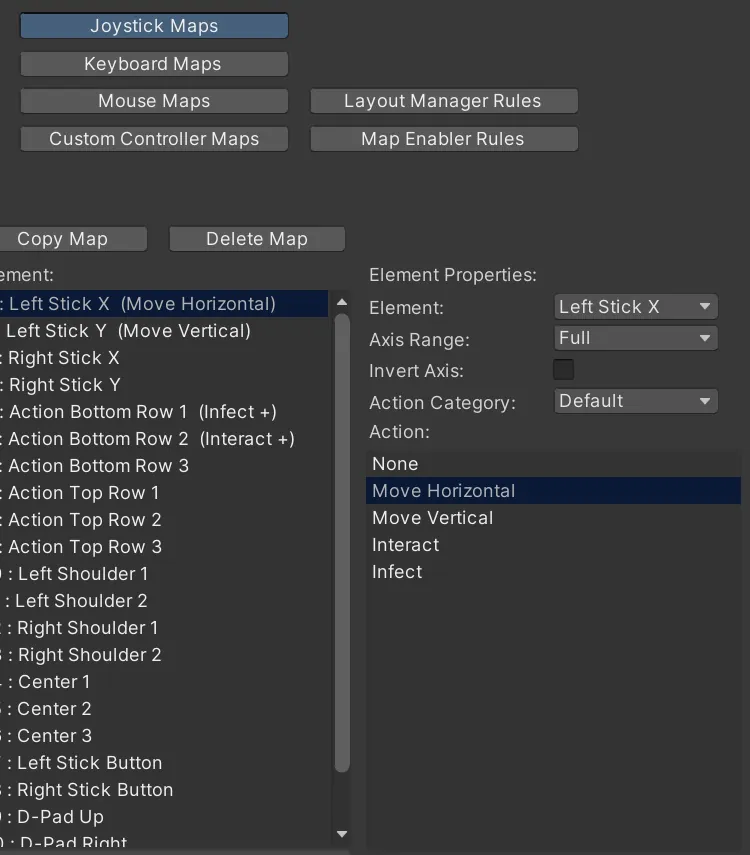
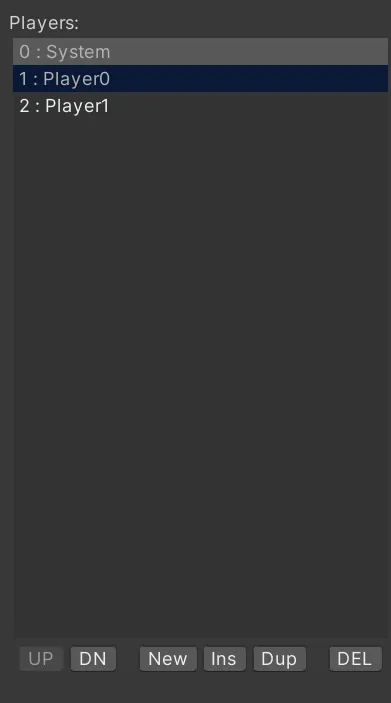
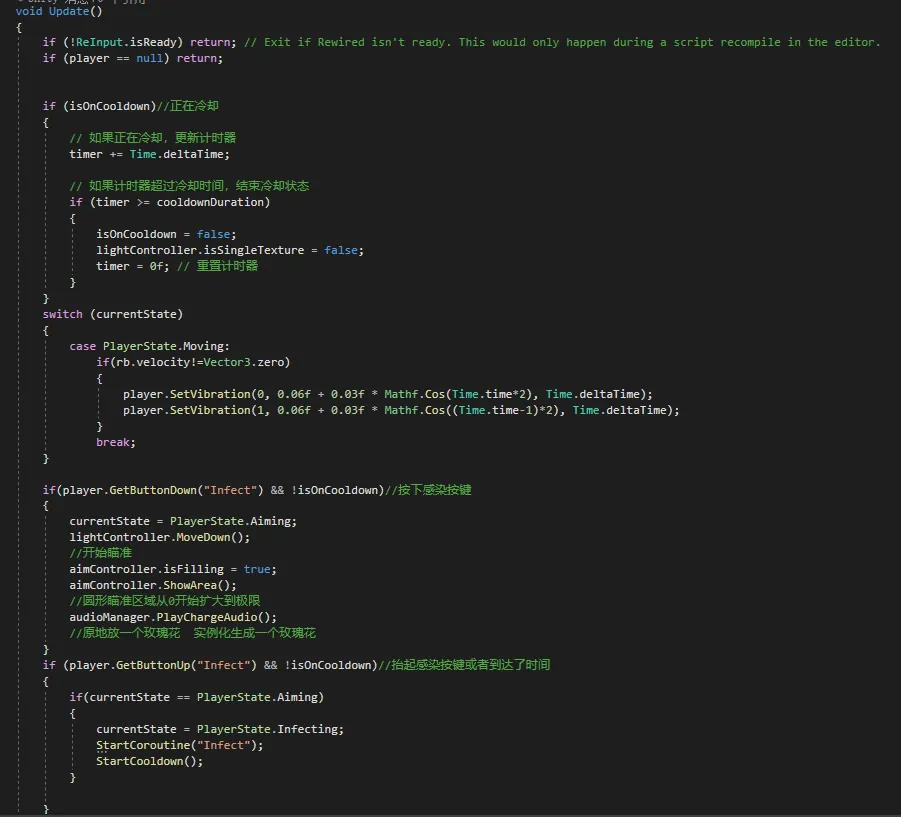
By using the plugin ‘Rewired’, I implemented a much simpler input system where the player could play the game using a controller or keyboard (without having to restart the game). At the same time, changing the key mapping is easier.
With the help of the Rewired plugin, I was able to create the effect of the joysticks vibrating.

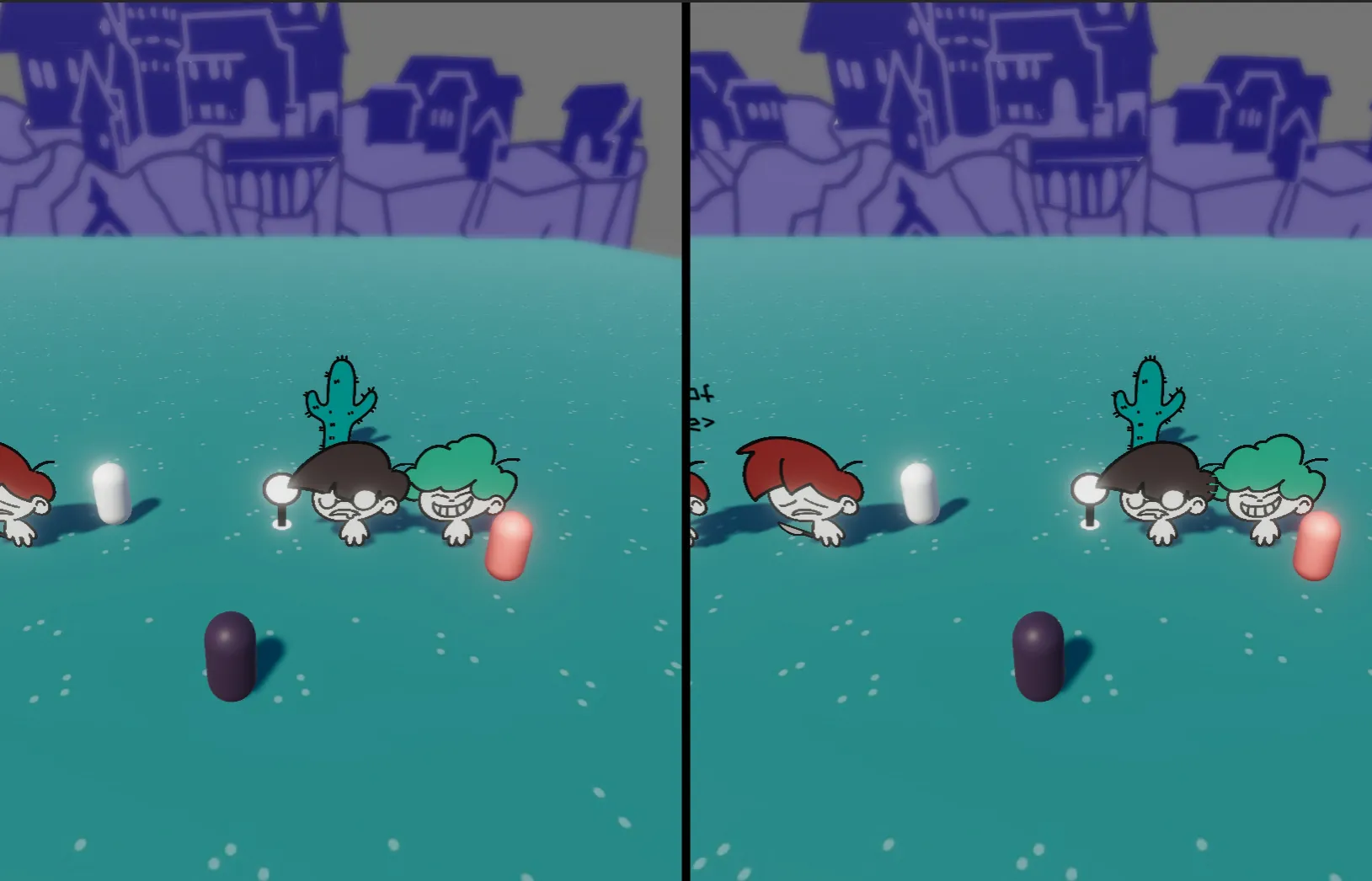
Split Screen
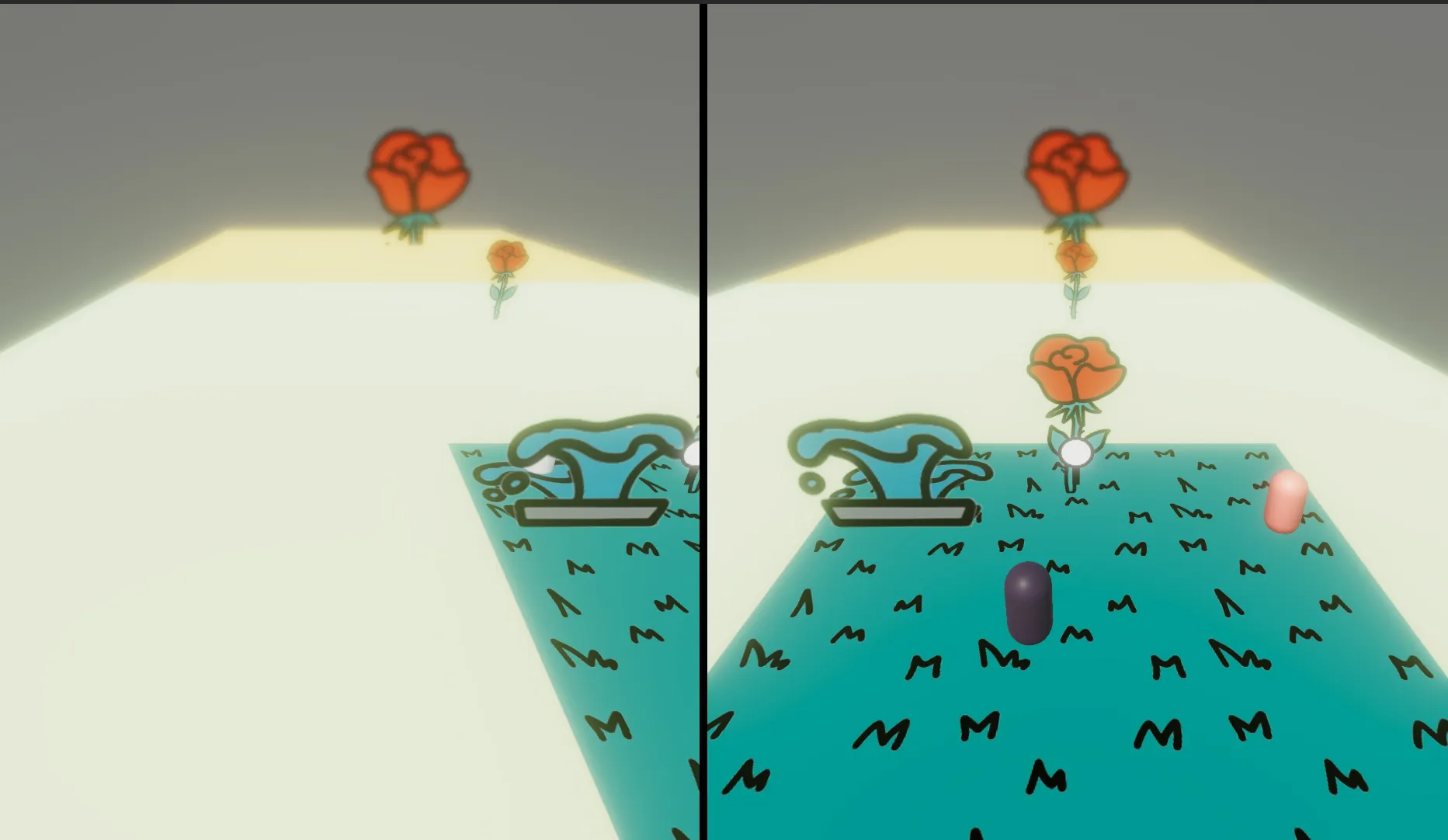
In addition to input, splitting the game’s screen into two also gave me a big challenge. After my research, I went through the following steps to create a split screen effect for my game.
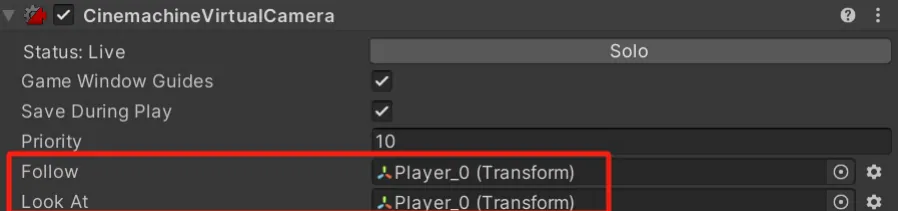

Camera View
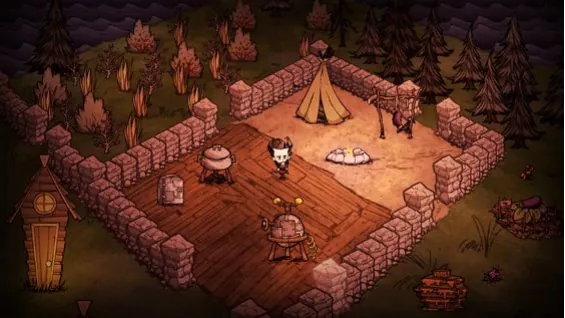
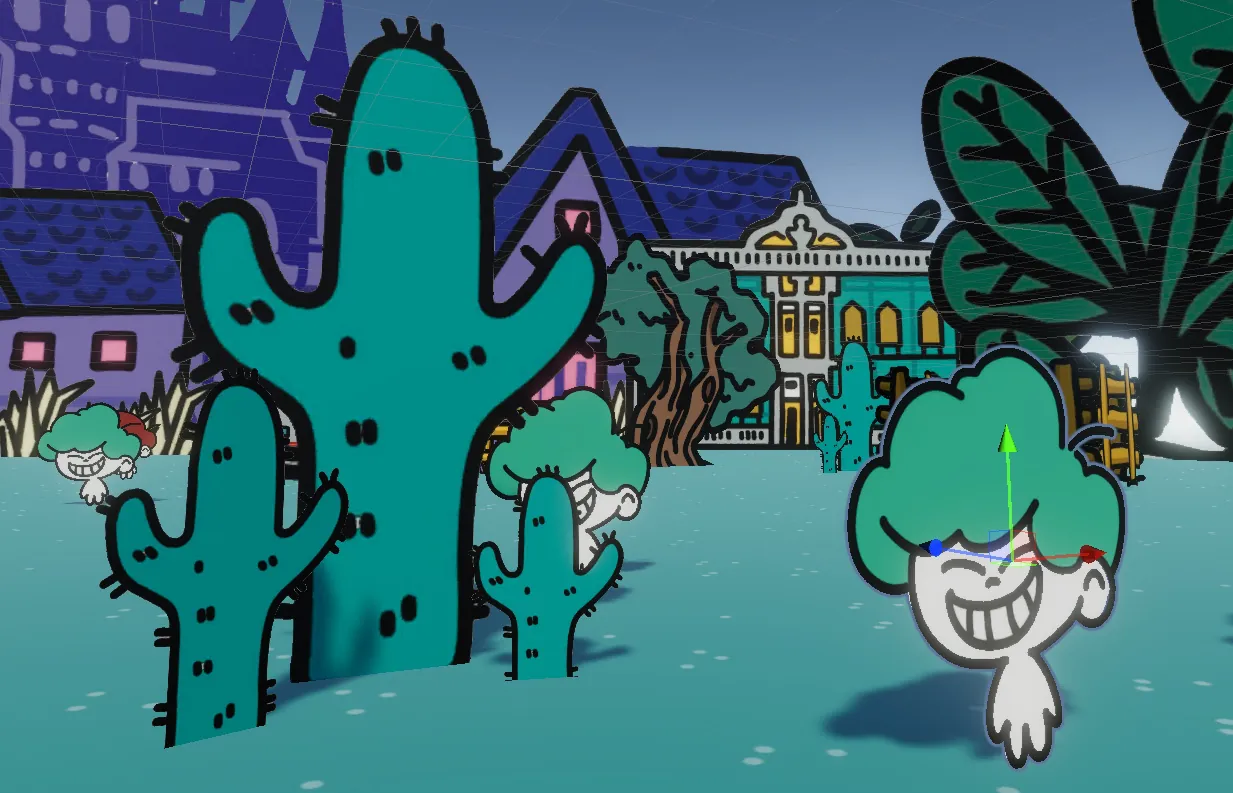
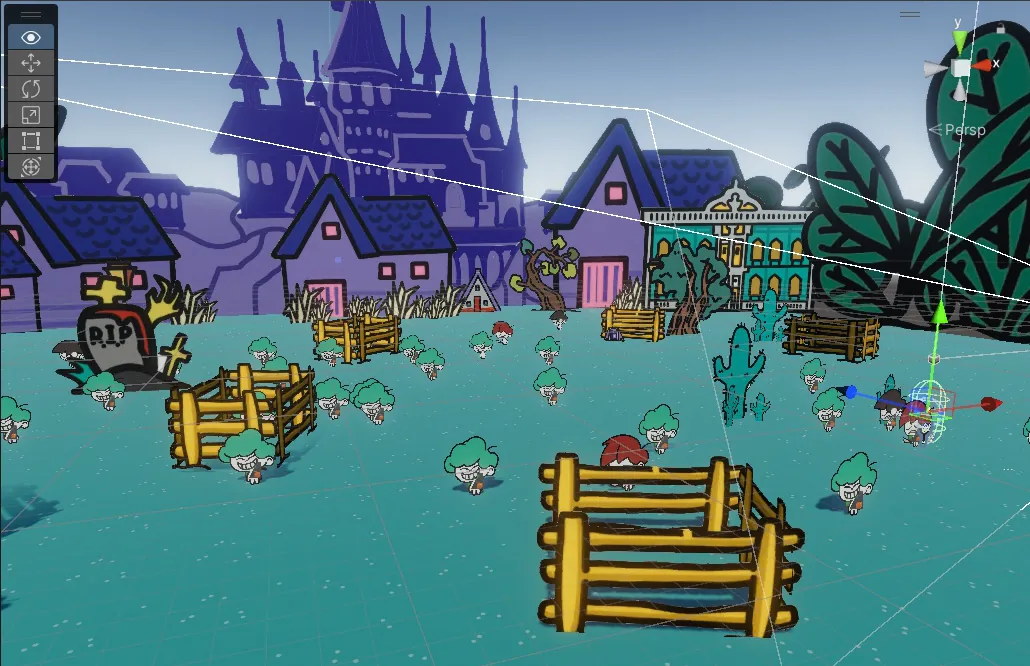
Although the art was drawn in 2D, we copied the game Don’t Starve’s camera view in order to create a sense of dimension and space. All 2D sprites are perpendicular to the ground.
Iteration of the Digital Prototype
Code Sample
Screenshots